
Create an overview of events within a certain period
With the new date filters in plaece.base and the content management system, it is possible to show all events within a certain period. This period can be either in the future or in the past.
New: date filters for events
In the content management system, you can choose activity overviews to set a period. You get the option to set a date in a number of ways:
Fixed date
1. Start & enddate
Choose a start and end date. Only events within this period will be shown.
2. Hide future events
Hide events taking place later than today. This way, you can create an up-to-date archive.
Choose preset
The presets are a number of standard available filters. These do not have a fixed start and end date, but always start from today. So they have a flexible start and end date.
Filters for the future:
- Today
- Tomorrow
- This weekend
- Upcoming week
- Coming month
- Coming year
Filters for the past:
- Yesterday
- Last week
- Last 30 days
- Last year
An example:
Show all events within a certain period in the future
Imagine: you create a landing page for a future event. Think of Sneekweek, for example. On this page, you want to show an overview of all the activities taking place during this period. Previously, this was already possible by labelling all events with a tag or a marker. With the new date filter, you can also choose to show all events taking place in this period.
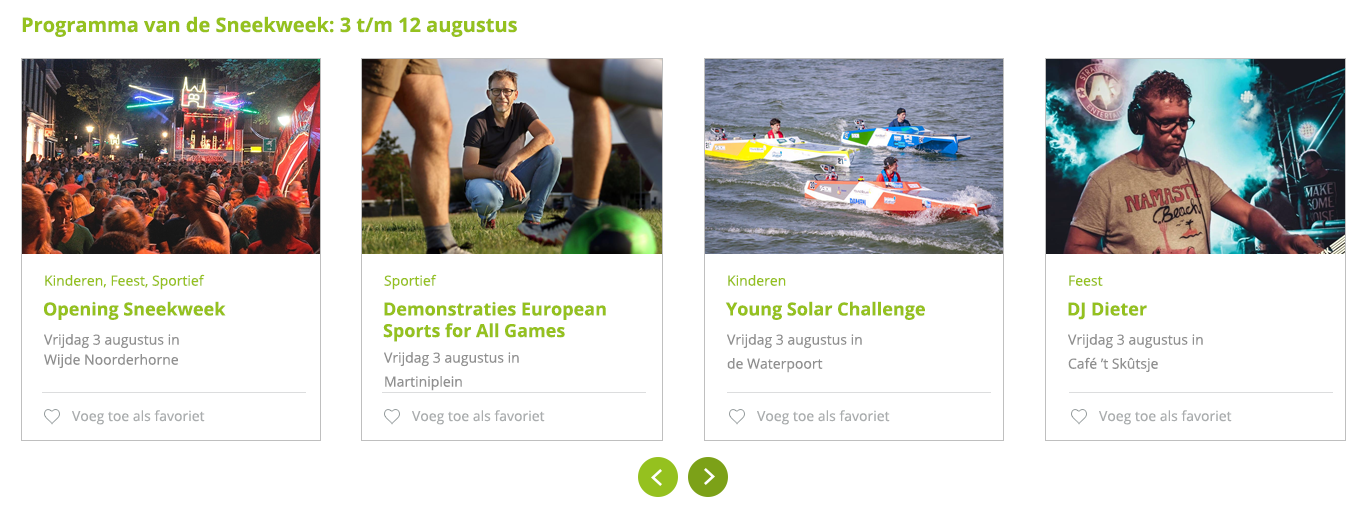
Example of an overview of events within a certain period
For example:
Sneekweek takes place from 3 to 12 August. In the content management system, simply select these dates in the date filter. Currently, only events are shown within this date selection.
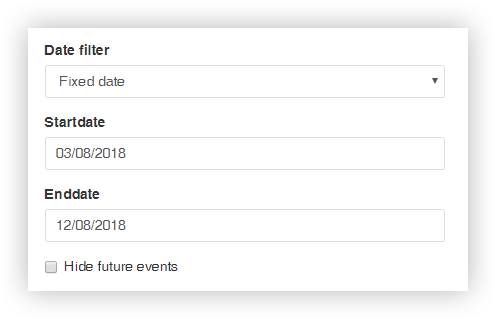
You can expand the selection based on:
Categories
For example: show all cultural activities within this period
Tags & markers
For example: show all activities for children within this period
It is also possible to create a "day programme". In this case, you create an overview page for each individual day. Then create a landing page where you make all the days clickable and you have a fully functioning daily programme for the whole week.
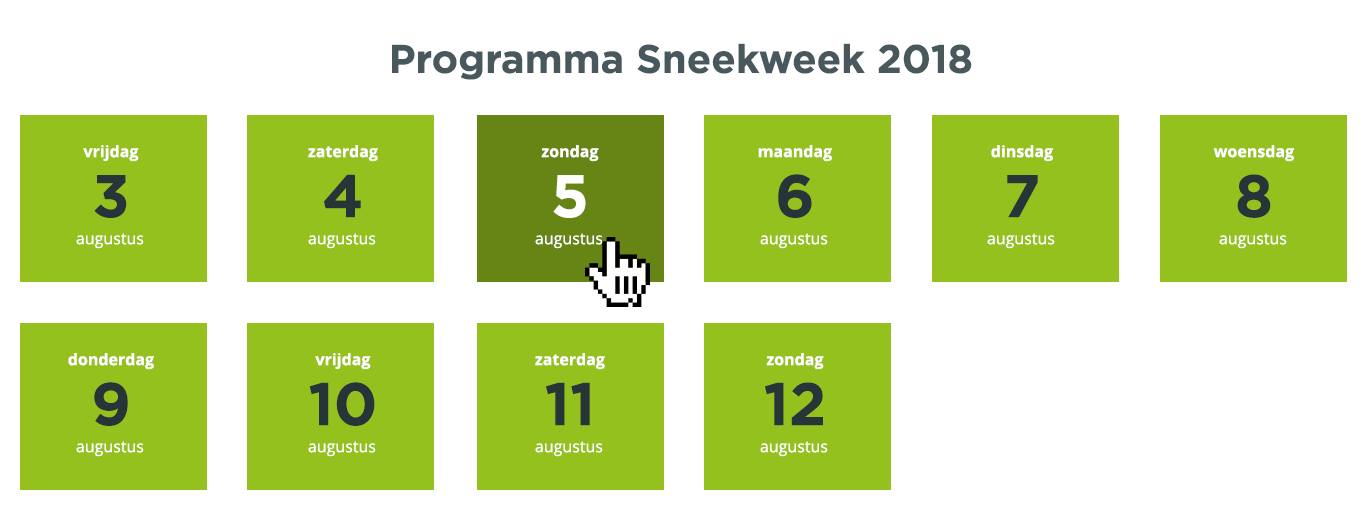
Example of daily programme
An example:
Create an event archive of the year 2018
The UITagenda always shows all upcoming events. But in some cases it is also desirable to look back! Take the example of the 2018 Capital of Culture programme. What were all the great events during that year? You can easily see that in the programme archive.
In the date filter, choose the period 1 January 2018 to 31 December 2018. At that point, you will get an overview of all events taking place in that period. Suppose you were to view this page on 1 August, you will also see events taking place in December. Don't like that? Then check the "hide future events" option. You will then only see events that have already taken place. For an overview of future events, you can offer a link to the current UITagenda.
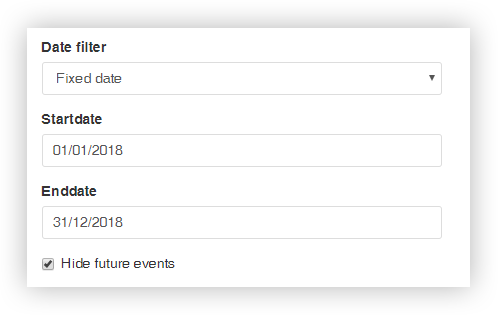
You can also expand the selection based on:
Categories
For example: show all cultural activities within this period
Tags & markers
For example: show all free activities within this period
Areas
For example: only show activities in the city of Leeuwarden
How the date filters work
"Surely the UITagenda always had filters that allowed you to choose a period yourself?" I hear you ask. That's right. In the UITagenda module, a visitor on the website can already choose which period he is looking for
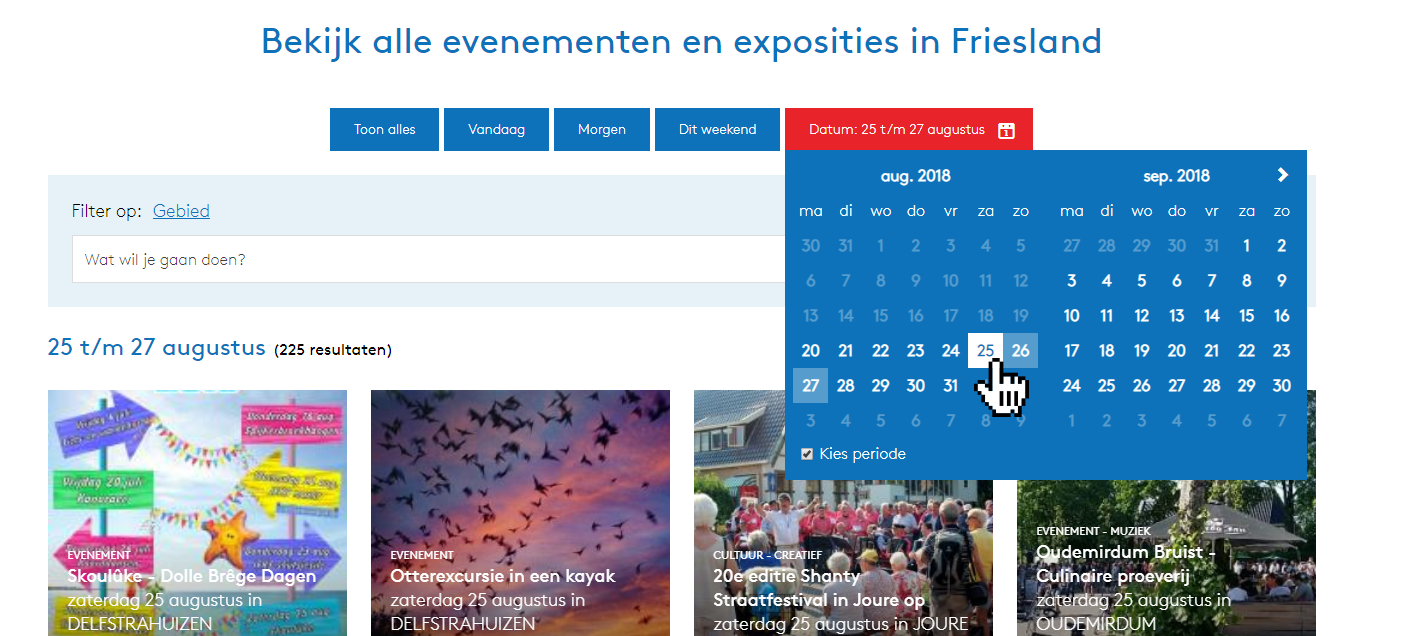
Example of date filter in the destination calendar
Only there was no way to search the past as well. In addition, the pageparts have been given the possibility to apply date filters. This allows editors to show a specific date selection in advance. This allows you to make your content and landing pages even more relevant and up-to-date.