
Exporting data from plaece.base

In plaece.base, an enormous amount of existing data is processed or new data is added every day. This data is used through an API on, for example, a website or mobile app. This is a real-time connection to the database. But what if you now want to have a list of a certain selection of data? You can now use the export module for that!
The new export module makes it possible to export data to an Excel file (.csv) based on a specific selection.
How does the export module work?
If the module is installed in plaece.base, the website administrator has the option to create a new export. Currently, an export can be made of the entire set of types (Locations, Events, Routes or Deals.
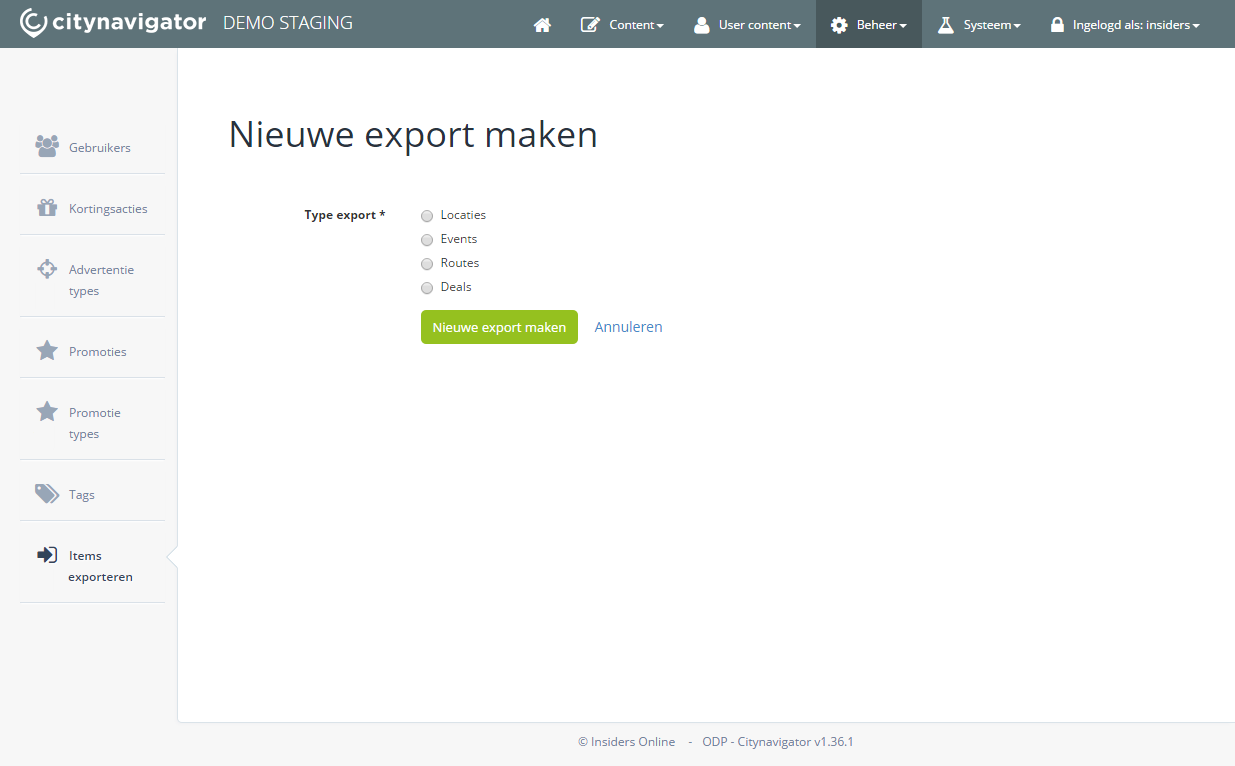
Example of creating a new export
The moment a new export is created, it is executed in the background. When the export is ready, it will be reported in the overview.
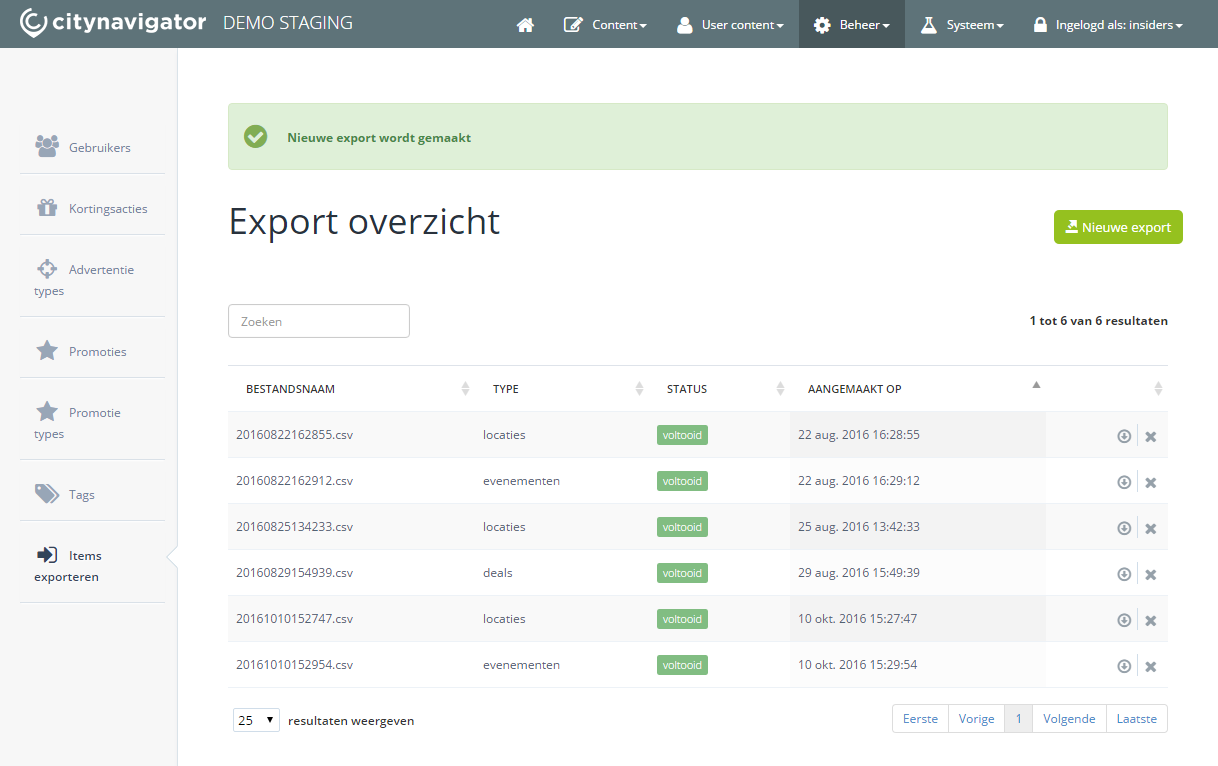
Example of available exports
When the export is complete, it is made available as a download. It can then be downloaded and opened in Excel. By default, the export is saved in CSV format (comma-separated file).