
How big should I upload a photo to my website?
We hear it often: how big should my image be to be displayed properly on the website? That sounds like a logical question to which a very simple answer could be given. In practice, unfortunately, this is a little trickier than you might initially think. Or not...
The short answer to the question: how big should my photo be?
The bigger the better!
But, please note:.....
- Take into account where the photo will be used on the website. If the photo will only be used very small on the website, it is a waste to upload it in poster size.
- Maximum size of 1920 x 1080 pixels
- Maximum file size 2 megabytes
What is meant by the "size" of the picture?
To avoid confusion about what is meant by "big", it is useful to know that this can mean two things:
- Size in terms of dimensions
By this we mean the actual dimensions. We do not measure these in centimetres, but in pixels. - File size
By this we mean the space the image takes up on your computer. We measure file size in MBs (megabytes) or KBs (kilobytes). 1 megabyte is equal to 1,000 kilobytes,
Where will the photo be used?
That we assume the photo will be shown on a website seems logical. But again, this can mean a number of different things:
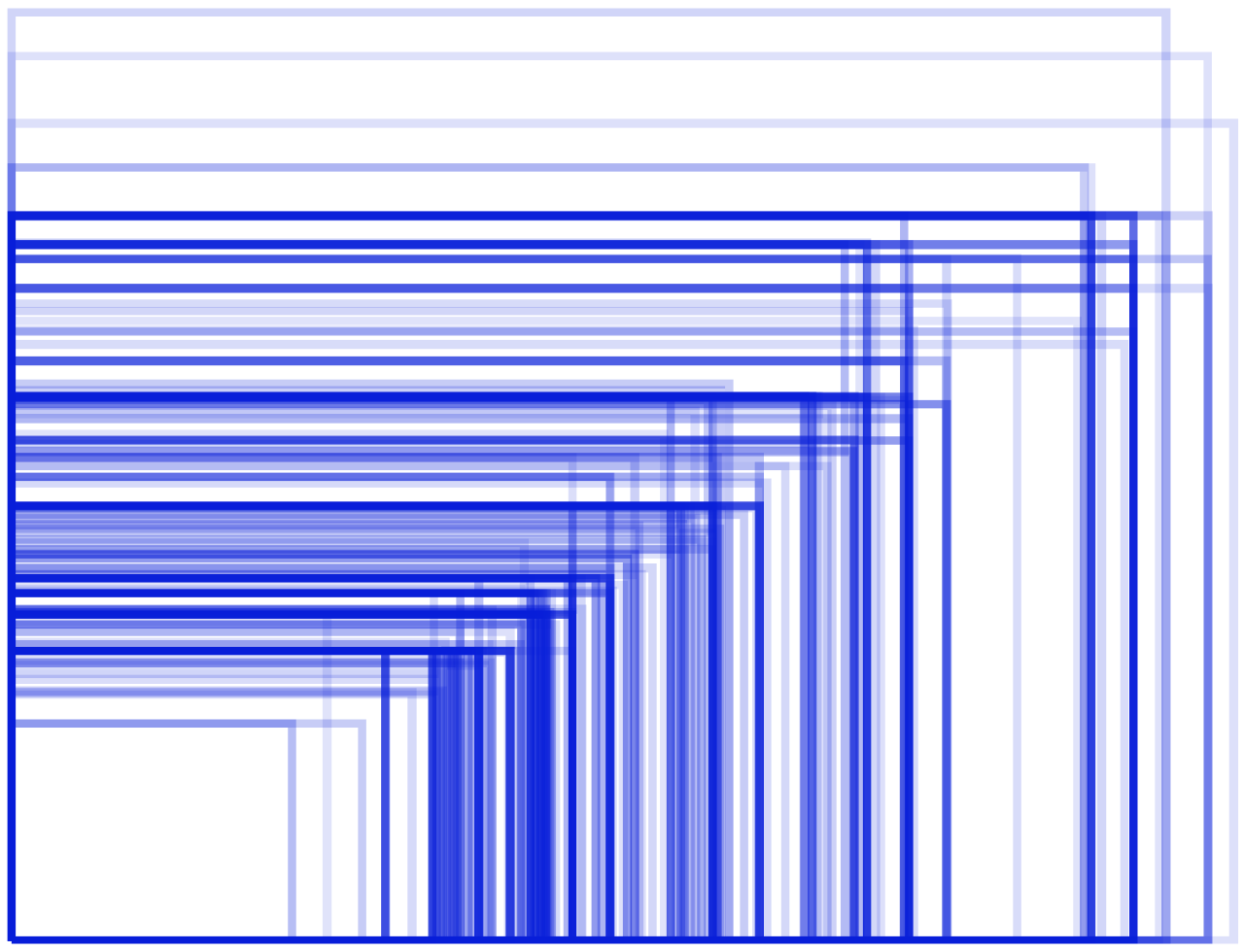
Example of different Android smartphone screen sizes
- Device/screen size
The website can be viewed on a laptop, smartphone or TV. Naturally, all these devices have different dimensions. As each device is manufactured by a different manufacturer, they also have different screen sizes - Where on the page is the photo used?
The website has various places where photos can be displayed. Depending on where the photo is used, it may need to be larger or smaller to ensure it is displayed clearly
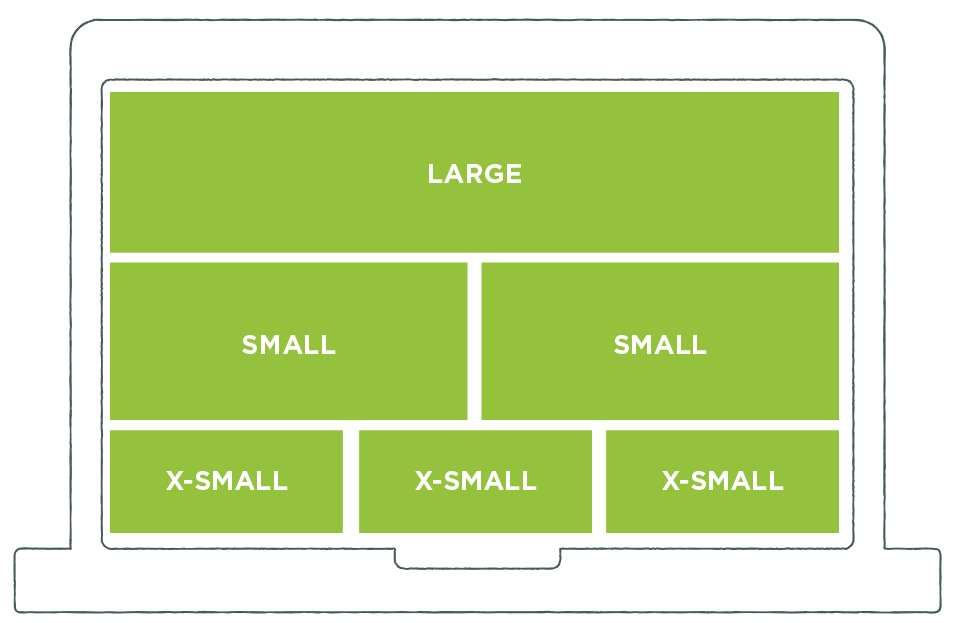
Example of different places where photos can be used on the website
Device screen sizes vary a lot. The location where the photo is used may also differ. That is why we apply the rule:
"The bigger the picture, the better".
HO STOP! Large photos ruin website performance
True. That is absolutely true. If you upload a mega-sized photo (of 3000 x 2000 pixels, which is about 4 megabytes), then everyone viewing your website also has to download that 4MB photo. Depending on your internet speed, that could take a few (or a few more) seconds. If you are also viewing on your smartphone and not via wifi, it takes AND a lot of time AND also precious MBs from your data bundle. If that image is also very small on your website, it is a triple waste.
That is why we have built in some clever features. Based on the screen size and dimensions of the image displayed on the screen, we create a new (smaller) version of your photo.
Smart resizing of photos at the right moment
For the website manager, it is almost impossible to determine how big the photo should be in terms of size to be used in a certain place on the website. After all, it should always be sharp, but not too big in terms of file size (as that does not improve the website's performance.) This is why we make multiple versions of your original photo, which we use at the right time,

So we create different versions of your original file, which we use on the website. We use sizes XS to XL for this purpose. On a small screen (or if the image is only displayed very small), we will use the XS version of your uploaded photo.
A calculation example:
- Your original photo measures 3000 x 2000 pixels (file size 4 MB)
- The XS version of your photo measures 640 x 426 pixels (file size 200 KB)
This way, we save a lot of MBs for your website visitors. So he sees photos faster, downloads fewer MBs. Google also likes the website a lot better, as it is a lot faster.
Please note: The larger the file size of your photo you upload, the more disk space it will take up on your website. So try to be smart with the size of the photos yourself and possibly resize them before you upload them.