
No content? No titles!
It can sometimes happen that a pagepart on the website has no content. In that case, the titles of the pagepart are WELL displayed...but you have no content. And then you see a white area. You don't want that... We have now optimised that: No content? No titles!
You can format the content on your website with different blocks. Each block has its own functionality and design. We call these blocks page parts. Each pagepart can be given an SEO title and/or subtitle. This allows you to add extra value to the content. On the one hand, it simply makes the page much easier to read for your visitors; on the other hand, you help the search engines index your page better. But showing titles without content is not a nice situation in either case.
These are the reasons why a pagepart cannot have content:
- Plaece.base Tiles without items
Take, for example, a page part listing all of today’s events (but there aren’t any events at all today…) - Page parts with scheduled/expired content
If you’ve scheduled a slide in the carousel for a specific date… but that date has now passed. Read more about scheduling content - RSS feeds with no posts
You’re importing all the blog posts from an external website, but there are no more posts… Read more about RSS - Social Wall streams without posts
You’re displaying today’s posts with a specific hashtag… but that hashtag hasn’t been used today!
No content? No titles!
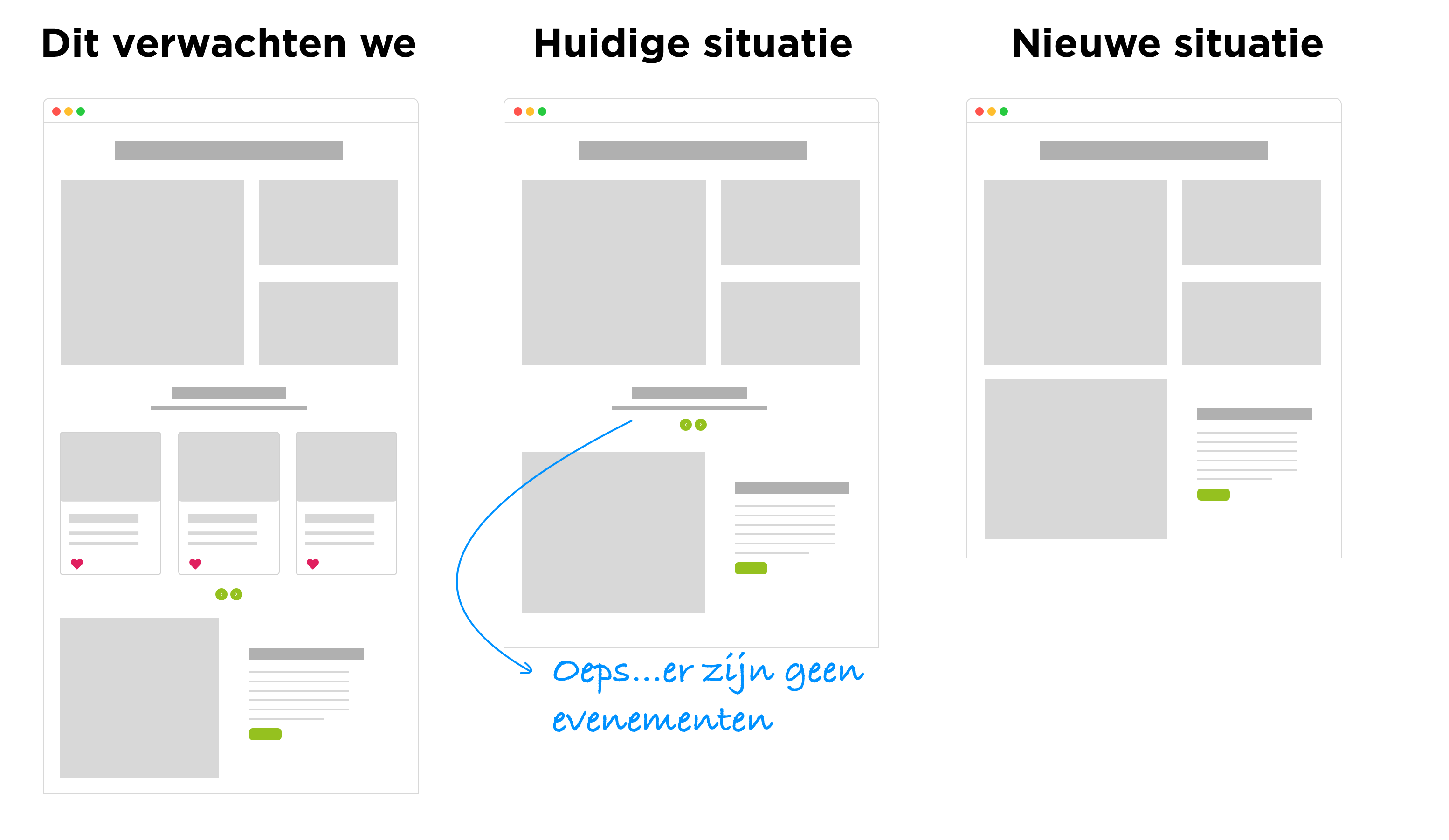
Now we first check whether the pagepart actually has content, yes or no. If not: we will no longer show the title. If yes: you will see all the content in its full glory.
We will gladly discuss when this update can be made available for your website.