
On-brand city marketing with Snapchat geofilters
Snapchat is hot. Especially in the 15-19 age group. How do you show this target group what is happening in your city? With Snap Map and Snapchat geofilters, this becomes a piece of cake.
"But surely Snapchat is used to send nude photos to each other?" I hear you thinking...this is indeed one of the reasons why Snapchat became very popular in the beginning. However, after its IPO in 2017, Snapchat needs to adopt a serious business model to remain viable. A new moneymaker from Snapchat is offering geofilters. This allows anyone to offer a filter on Snapchat. Users can apply that filter to overlay over a photo. The beauty of a geofilter is that the filter becomes available the moment a person is in a particular area.
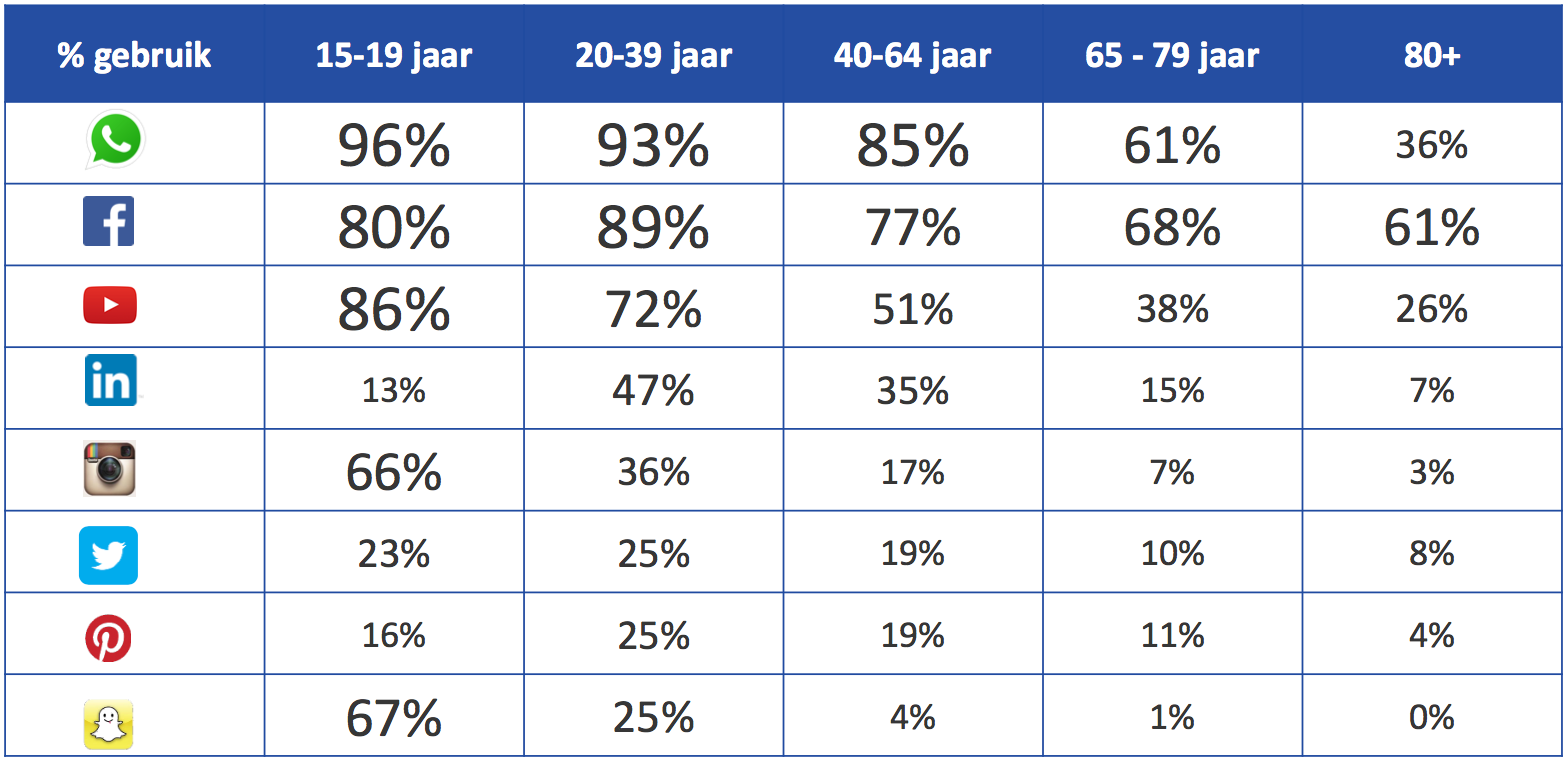
Source: National Social Media Survey 2017
(https://www.marketingfacts.nl/berichten/nationale-social-media-onderzoek-2017)
Snap Map and geofilters
Some time ago, Snapchat announced that you can view snaps "nearby" with Snap Map. When you "pin" with 2 fingers, a map opens, showing all snaps made in the area. At that point, you can see what's going on in your area. In addition, of course, you can see where your friends are at that moment. There are quite a few people who worry about their privacy, since Snapchat knows your location the moment you use the app. However, that doesn't stop snappers from just using this feature.
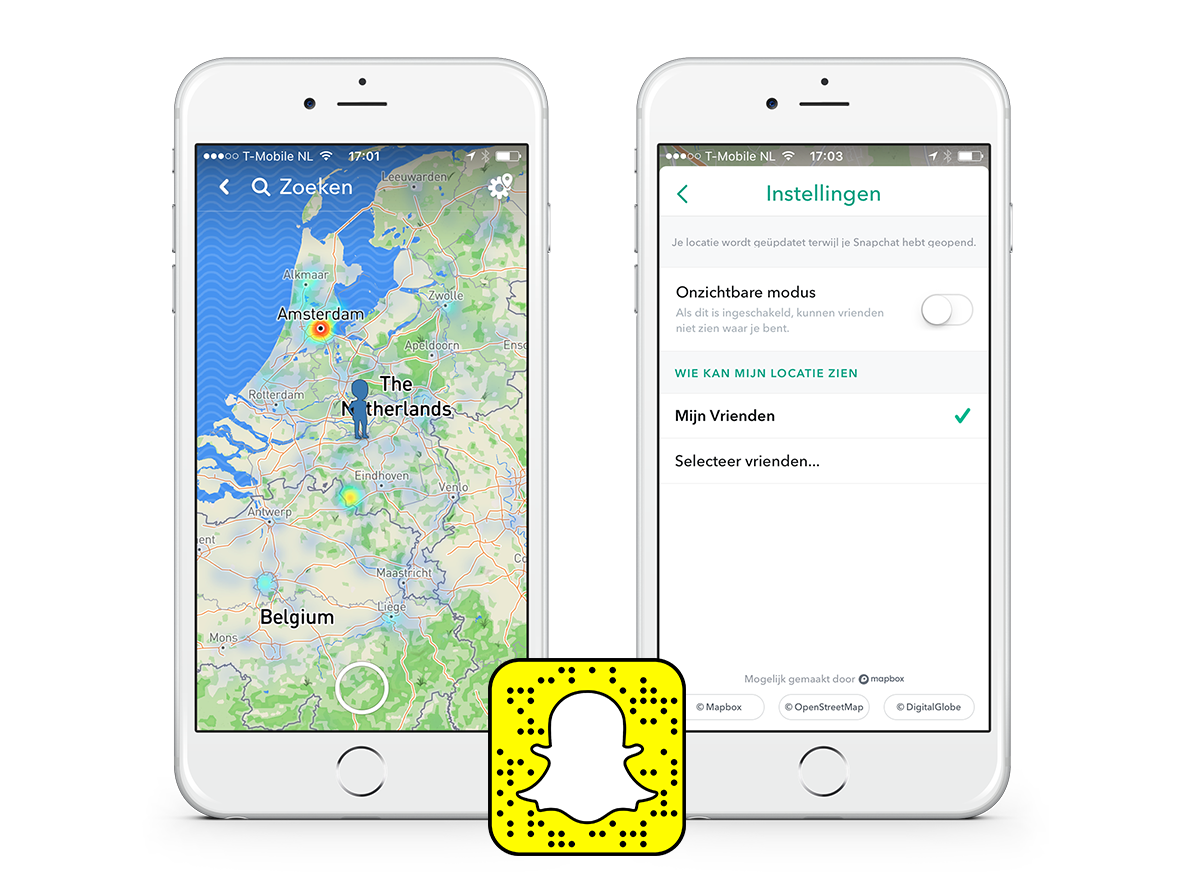
For city marketers, it is interesting to see what is happening in their city on Snapchat. For locations where many snaps are made, Snapchat automatically bundles them into a story. So in case a big event takes place in your city, a story is most likely available.
On-demand Snapchat geofilters for your city
Originally, Snapchat already made geofilters available for major events and popular cities/areas in the United States. As a user, you can overlay these geofilters over your 'snap' to show where you are at that moment. On a desktop computer, it is possible to design your own custom filter for your area at https://geofilters.snapchat.com/. At the moment, this is not yet possible for businesses and personal filters in the Netherlands.
At the moment, On-Demand Geofilters are available in Australia, Brazil, Canada, Saudi Arabia, UAE, France, the United Kingdom, and most of the USA.
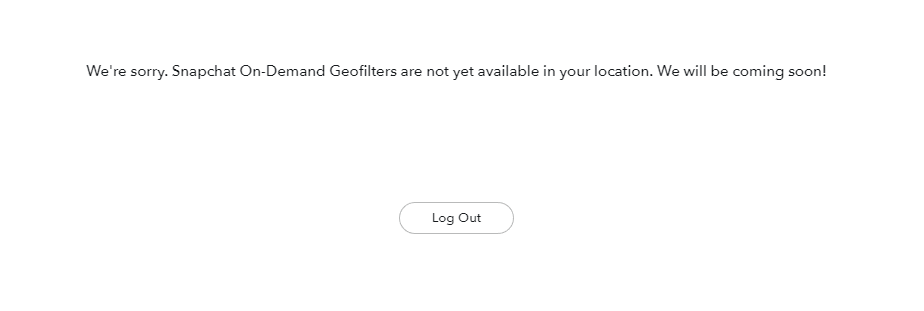
For "Communities", these options are already available. The term community is interpreted very broadly, as long as it is a public place. We have already submitted a number of geofilters ourselves, but due to the strict guidelines it is not easy to actually get a filter added.
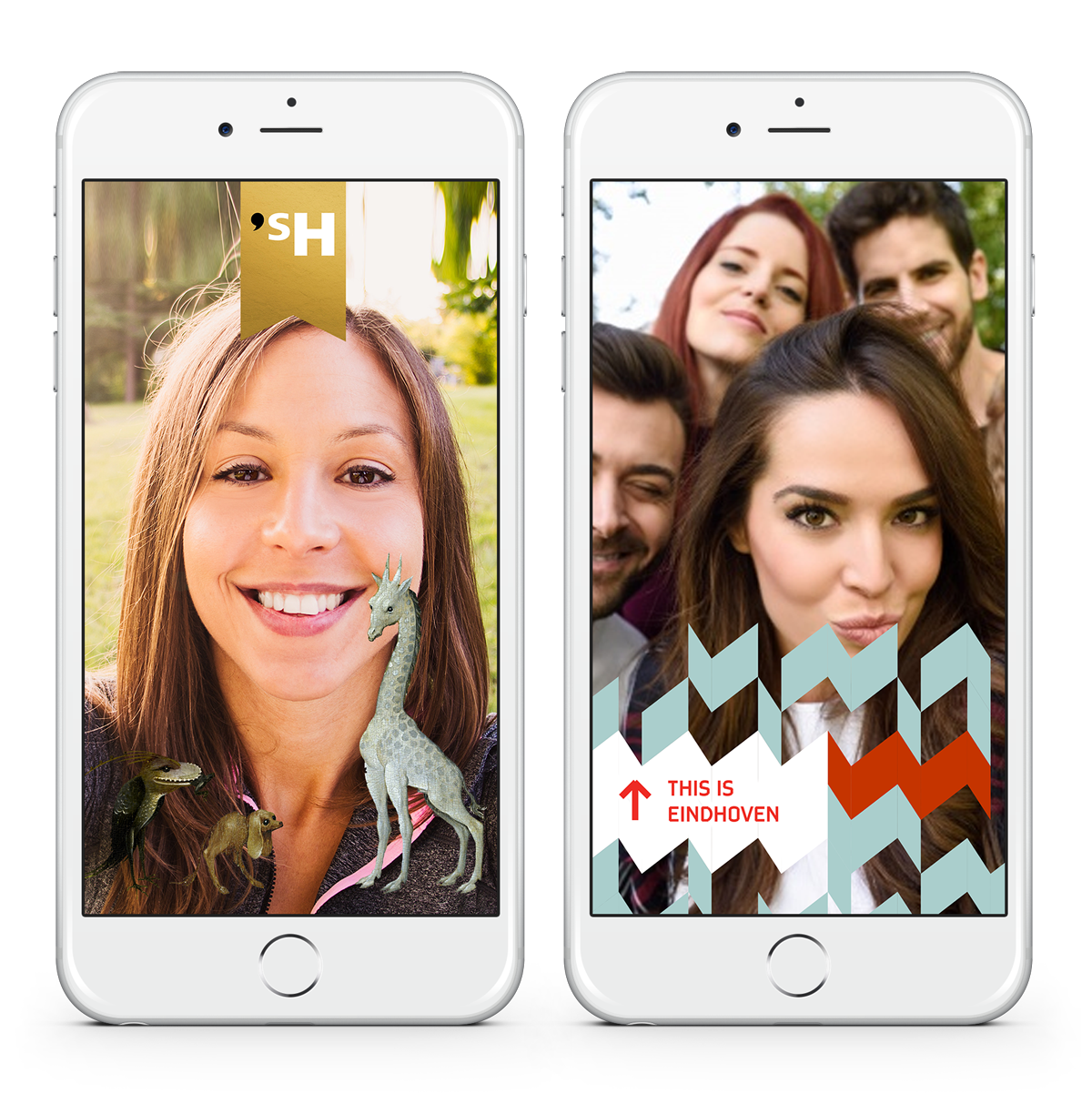
Examples of custom geofilters
Butrrrr......since 6 September 2017, it has been possible to create your own filters for your location in Europe via the Snapchat app: Snap Geofilters.
How to create your own Snap Geofilter
In the app, you can now select an area for which you want to create a filter. This area can be the size of a house, but can be as large as a number of football fields. You can then design the filter yourself. The moment someone takes a snap in your selected area, a filter designed by you can be superimposed over the photo. You can create your own geofilter from as little as €6.99.
Create your own geofilter in 5 steps
- Open Snapchat and tap on the Snapchat logo in the top left corner
- Tap the settings icon in the top right corner and choose "Geofilters on demand".
- Design your geofilter (occasion, theme, texts, date and area)
- Pay via an in-app purchase
- Send your filter to Snapchat for approval (you will usually get an approval within 24 hours)