
Content page part
Give stories greater impact with rich content blocks for text, images and experiences.
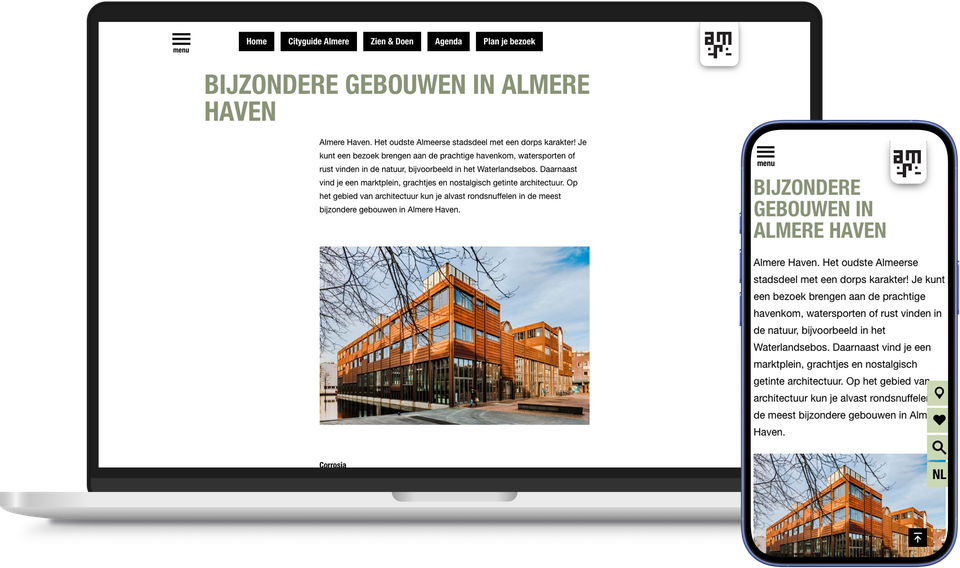
Not every page needs a spectacular carousel or a detailed map. Sometimes you just want to tell a clear story: a piece of text, a few striking photos, perhaps a table or an embedded tool.
This is where the Content pagepart comes in. It is the most widely used and indispensable building block within every plaece.website. You write and edit text, add images, and divide your page into columns with a width that you determine yourself. This isn’t just a matter of taste: typographical research has long shown that blocks of text that are too wide are harder to read, as the eyes tend to lose their way along the line. With customised columns, you naturally maintain readability. This allows you to build a complete blog article or an informative page in just a few clicks.
Would you like to display an external tool or widget, such as a booking module or an embedded form? You can do that too within the same page part, using an iframe.
The Content page part is designed for simple, static content without interaction. If you’re looking for more dynamism or interaction, use page parts such as Content Tiles, Story or Media Grid. The Content page part remains the foundation on which every page can be built.
This results in the Content pagepart
- Formatting text and adding images
- Layout the page in columns with customisable widths
- Building complete blog articles and information pages
- Loading external tools or widgets via an iframe
- The essential basic page component within every plaece.website
- Simple, static content without unnecessary interaction