
Story page part
Tell your destination’s story in a way that truly captivates visitors.
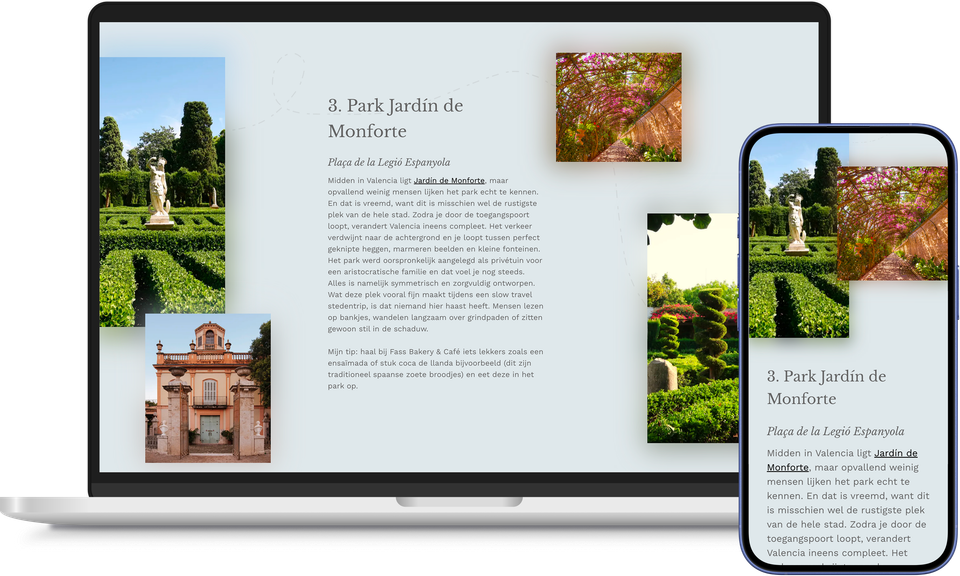
Every story is strengthened when images and text complement each other. Particularly if you want to highlight several places, routes or tips in succession, you’ll want each section to look just as appealing as the previous one. With the Story page part, you can give each section its own title, text and button, complemented by one or more images. If you add several images, a stylish image grid is automatically created alongside the text.
If you arrange several ‘Stories’ one below the other, a blog article is automatically created – for example, a list of the most beautiful spots in your destination. Content creators refer to this as ‘scrollytelling’: by breaking a long story down into visually varied blocks, readers tend to keep reading much further on average than they would with a single unbroken block of text. Give each block its own theme and colour, or mirror the layout, so that the page doesn’t feel repetitive but rather like a continuous narrative.
Whilst the Content pagepart primarily conveys information, Story is designed to create an experience.
Use it to tell the story of your destination, a route, an event or that one local story that makes all the difference.
This way, a long story never feels like a long scroll, but rather like a series of moments that naturally guide the visitor through the page.
This results in the ‘Story page’ feature
- A blog article that reads like a story, not a list
- Visitors who keep reading because every section looks different
- Images and text that complement each other, automatically arranged in an attractive grid
- More experience and emotion in the places where it makes a difference
- A page that never feels repetitive, thanks to themes and mirroring
- Space for both the big brand story and small local stories