
Top list page section
Help visitors make choices more quickly with clear, inspiring top lists.
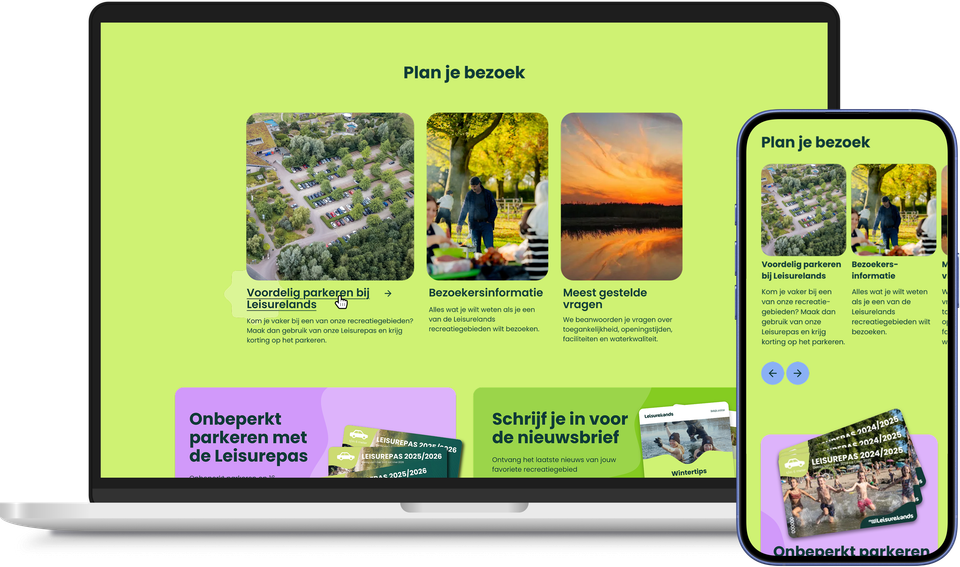
You often post a compelling overview of your key topics or offerings in several places. This is handy – until something changes and you have to update that same list everywhere. That risk is very real: separate copies of the same information naturally drift apart over time, resulting in confusing discrepancies between pages.
With the Toplist page part, you can manage that list in one central location, at plaece.toplist. If you make a change there, it is automatically reflected on every page where the page part appears. One change, updated everywhere.
In addition, you can mix different types of content within a single top list: editorial tiles, blog articles and listings from plaece.base all appear side by side in the same overview.
Perfect for the homepage, a themed page, a campaign page or a seasonal overview.
This saves your editorial team time in the long run, and ensures that every location listed remains accurate.
This results in the Toplist pagepart
- One change, updated everywhere: no more having to edit the same list separately on every page
- Significantly less work for your editorial team, even with content published across multiple platforms
- Nomore outdated or inconsistent contentacross pages
- Different types of content seamlessly side by side: editorial content, blogs and listings from plaece.base
- Visitors make decisions more quickly, thanks to a clear top list